
Robot Workshop
- Age 4+
 Dress-up
- 1 player
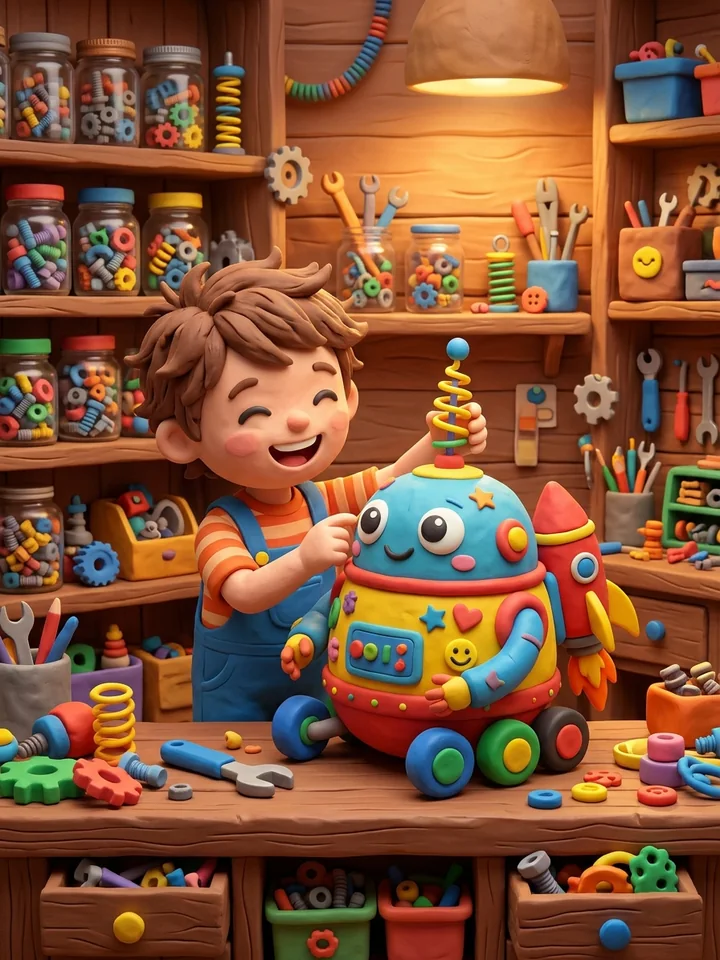
Get a robot ready for its job: fit parts for flying, diving, snow, dancing, cooking, gardening and stargazing, then watch the robot do the job.
How to Play
- Look at the job icon in the bubble: a plane, a fish, a snowman, music, a pan, a sunflower or the moon.
- Tap a part below, or drag it onto the robot.
- If a part does not suit the job, the robot shakes its head. When the dots in the bubble are full, the robot does its job.
- Press the arrow for the next robot. Every robot parks in the garage.
About this Game
Robot Workshop has 10 stages and 40 rounds. There are seven jobs and 32 matching parts: hats and antennas, goggles, neck pieces, an apron, arms, backpacks and legs. Later stages ask for a paint color, change the job so unsuitable parts must come off, and ask for a number of stickers on the robot. At the end of some stages the child oils squeaky joints and unlocks a new color. Finished robots stay in the garage, and the free workshop lets the child build any robot with unlocked parts.
Common Questions
What happens with a wrong part?
The robot gently shakes its head and the part stays in the tray. There is no timer or penalty. After two tries, or a short wait, a suitable part glows.
Can a child who cannot read play?
Yes. The job is shown as an icon in the bubble and dots show how many parts are needed. With sound on, the browser reads the name of the job.
What is in the free workshop?
Parts used in the rounds, four head shapes, colors and stickers. The play button runs the job that suits the robot best, and the photo button adds the robot to the garage.
Similar Games
 Dress for the SeasonAge 4+ · Dress-up
 Dress-Up StudioAge 4+ · Dress-up
 Beauty SalonAge 5+ · Dress-up
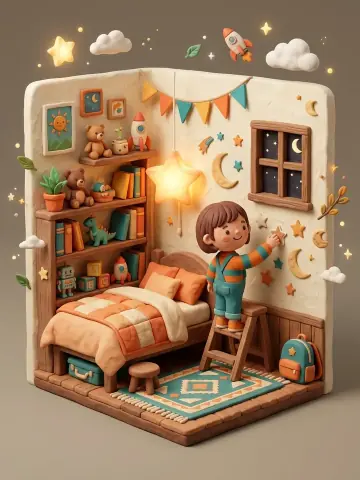 Room DecoratorAge 4+ · Dress-up
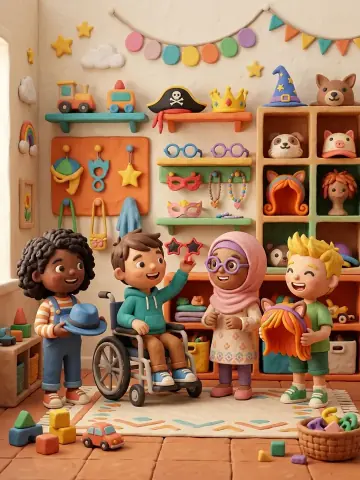 Create a CharacterAge 4+ · Dress-up
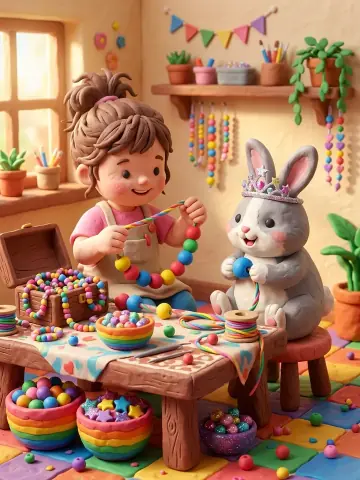 Bead JewelryAge 4+ · Dress-up
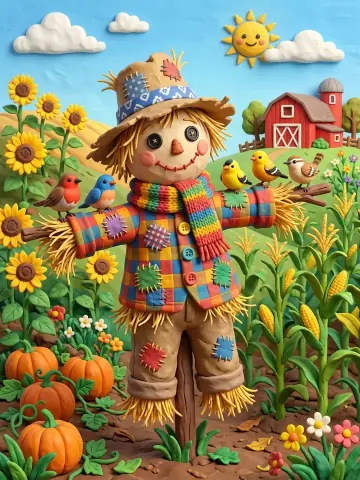 Friendly ScarecrowAge 3+ · Dress-up
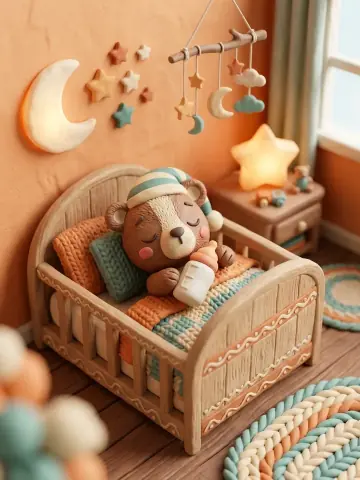 Baby Bear CareAge 3+ · Dress-up
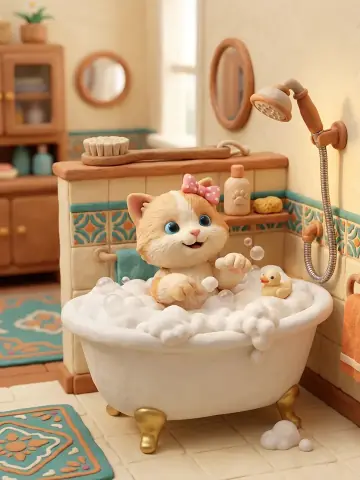 Pet GroomerAge 4+ · Dress-up
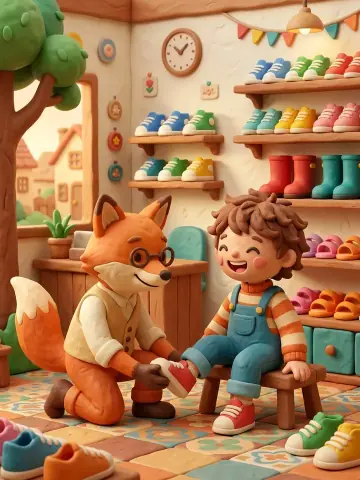 Shoe ShopAge 4+ · Dress-up
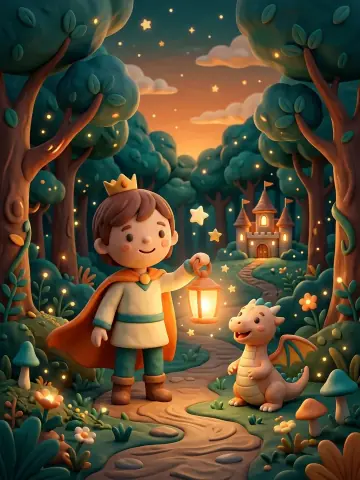 Fairy Tale HeroAge 4+ · Dress-up
 Ready for SchoolAge 4+ · Dress-up